
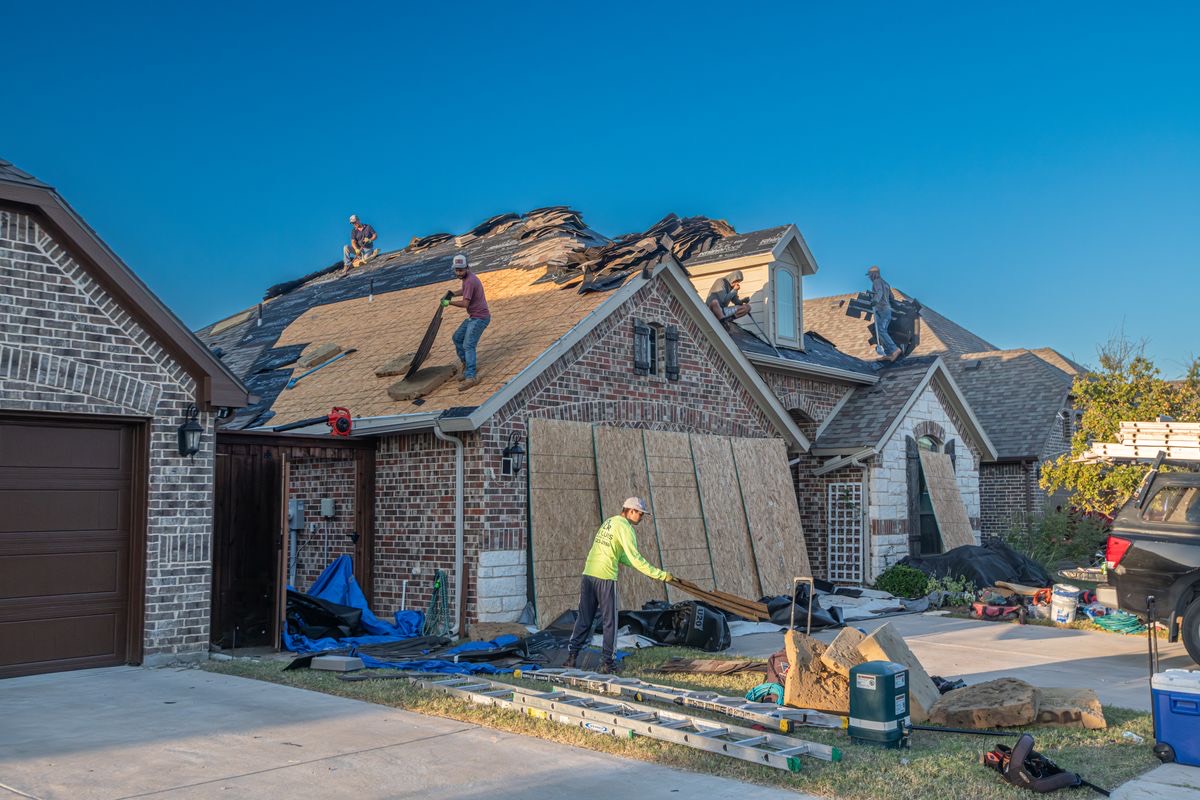
Video marketing for contractors is not about going viral. A roofer doesn't need a million views. He needs the right homeowners in his service area to see his crew do clean work and think "that's who I'm calling."
Here is the line that hurts: you already have the best video content in your market sitting on your jobsites every day, and most of it goes straight to the dumpster with the old shingles. Meanwhile the competitor with worse work and better videos gets the call.
This guide is practical. What to film with the phone in your pocket, a dozen video ideas for contractors that actually bring estimates, where each video should live, and the mistakes that make homeowners scroll past.
Why video works for contractors (when it's done for money, not likes)
A homeowner about to spend serious money on a deck, a roof or a kitchen is nervous. They are letting strangers into their house, and they've heard the horror stories. Photos help. Video helps more, because it shows things photos can't: how your crew talks, how clean the site is at the end of the day, how the owner explains a problem.
That is the real job of contractor video: reduce the fear before the estimate. When a homeowner has already watched your crew work, the estimate visit starts warmer, and the price conversation gets easier.
What video is not: a replacement for a real lead system. A great video that sends people to a slow website with no clear way to request an estimate is a nice movie. The video brings attention. The ads, the website and the follow-up turn it into signed jobs. We cover the whole chain in our contractor marketing services.
What you need to film on a phone at the jobsite
You don't need a film crew. You need a phone, a little discipline and a few minutes per visit. Here is the basic kit and routine:
- Clean the lens. Sounds silly. A phone that lives in a work truck ends up filming through dust and thumbprints, and it shows.
- Shoot vertical for social, horizontal for YouTube. If you only have time for one, shoot vertical. Most places you will post are phone-first.
- Hold still. Brace your elbows on your body or lean on something solid. A cheap phone tripod or clamp is worth it for timelapses.
- Get close for sound. If someone is talking, get the phone near them and away from the saw. A small clip-on mic is the one upgrade that makes the biggest difference.
- Film the same angle before and after. Stand in the same spot, same height, same direction. This single habit makes your before and after videos far more convincing.
- Grab more than you think. Short clips of every stage: demo, framing, install, cleanup, final walk. An editor can build several videos from one job if the raw clips exist.
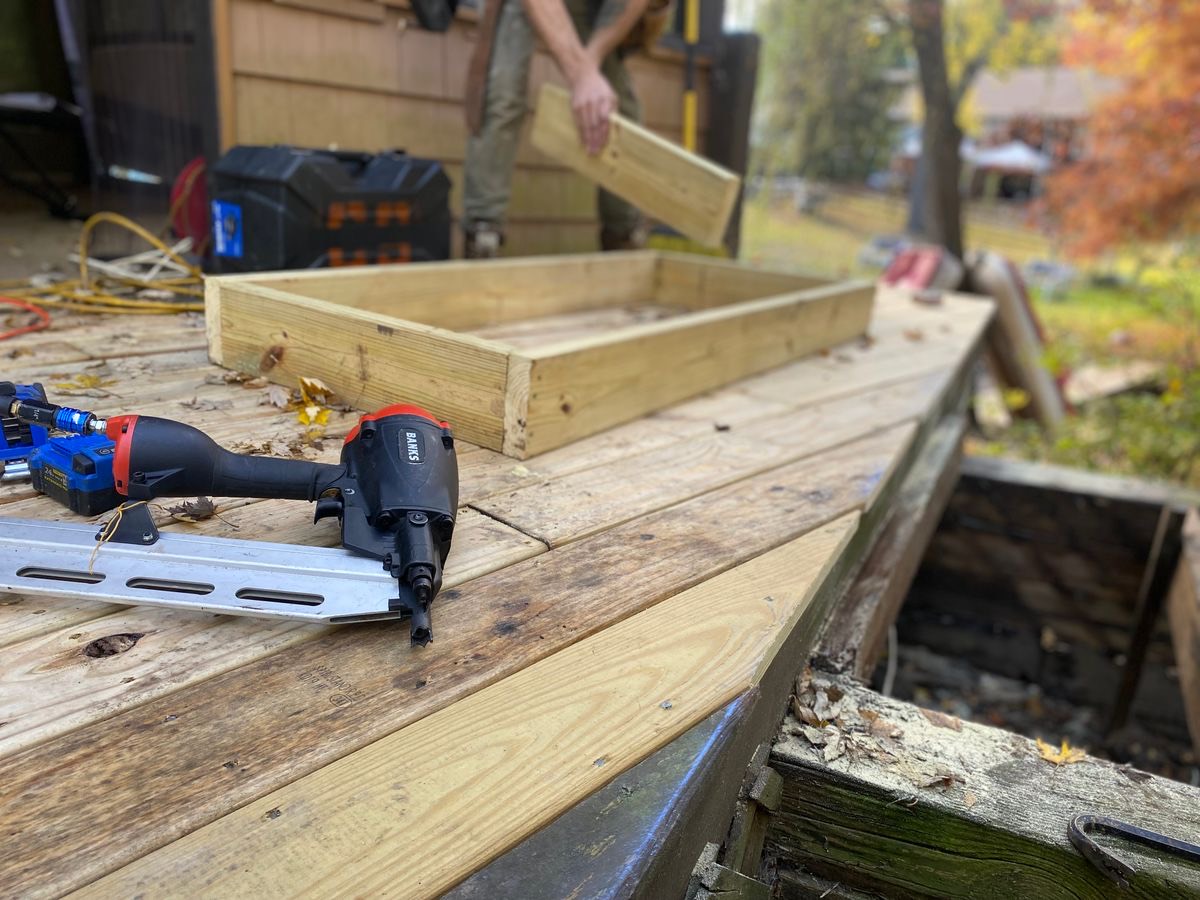
12 video ideas for contractors that bring estimates
Not every idea works for every trade. Pick the three or four that fit how you sell, and film them on every job until it becomes habit.
1. Before and after videos
The workhorse. Open on the ugly "before," cut to the finished "after," same angle. Before and after videos work for almost every trade: pavers, painting, flooring, remodeling, landscaping, roofing. Keep them short and let the transformation do the talking.
2. The job in 30 seconds (timelapse)
Phone on a tripod in a corner, timelapse mode, one day of work. A deck going up or a bathroom getting gutted is oddly satisfying to watch, and it shows your crew moves.
3. The owner walkthrough
You, on camera, walking a finished job and explaining two or three decisions you made. "We ran the drainage this way because this yard floods." Homeowners hire people, and this is where they meet you.
4. "What's wrong with this?" problem videos
Show a real problem you found: rotted joists under a deck, a bad flashing job, a panel someone wired wrong. Explain what it means for the homeowner. This builds trust fast because it proves you know what to look for.
5. Homeowner testimonial
At the final walkthrough, when the client is happy, ask for a short clip on camera. Two questions are enough: why did you pick us, and how did it go? Never script it. Real beats polished every time.
6. Price and process explainers
"What affects the cost of a new roof" or "what happens after you sign with us." You don't need to give a number. Walking through what drives the price and what the process looks like removes the two biggest fears before the estimate.
7. Material comparisons
Composite vs. wood decking. Pavers vs. concrete. LVP vs. hardwood. Stand next to the samples and give an honest opinion. These double as YouTube content because homeowners search for exactly these questions.
8. Meet the crew
Short intros of the people who will actually be at the homeowner's house. Name, trade, how long they've been with you. It turns "strangers in my house" into faces they recognize.
9. Cleanup at the end of the day
Nobody posts this, which is why it works. A quick clip of the site swept, tools stored, driveway clear. It answers a question every homeowner has and rarely asks.
10. Detail shots
The tight miter, the straight grout line, the clean caulk joint. Ten seconds, close up, no talking. Craftsmanship sells to the homeowner who cares about details, and those are often the better jobs.
11. Seasonal tips
"Three things to check on your deck before winter." "Why your AC struggles on the hottest day." Useful, local and timely. These keep you in front of homeowners during the slow season when they aren't ready to buy yet.
12. Answering one question per video
Take the questions homeowners ask you at every estimate and answer each one in under a minute. "Do I need a permit for this?" "How long does it take?" Your FAQ becomes a content calendar that never runs out.
Where to use your contractor videos
One good job can feed several channels. Contractor social media videos are only one of them, and often not the one that books the most estimates. Here is where each type of video tends to pull its weight:
| Channel | Best video types | Why it matters |
|---|---|---|
| Paid ads (Meta, TikTok, YouTube) | Before and after, owner walkthrough, testimonial | Puts your best proof in front of homeowners in your service area, not just your followers. |
| Google Business Profile | Finished jobs, detail shots, crew | Homeowners comparing contractors on Maps see real work next to your reviews. |
| Website | Owner intro, process explainer, testimonials | Warms up visitors right before they request an estimate. |
| Instagram, Facebook, TikTok | Timelapses, problem videos, cleanup, crew | Keeps you visible between jobs and gives ads social proof when people check your profile. |
| YouTube | Material comparisons, price explainers, answers | Searchable. A good answer video can keep bringing views for a long time. |
For your Google Business Profile, Google explains how to add them in its help page on managing Business Profile photos and videos. On YouTube, vertical clips under a minute can go up as Shorts, and Google's guide to getting started with YouTube Shorts covers the basics.
YouTube for contractors deserves a note: it is slow. A channel of answer videos takes time to build, but those videos also help your website and your local presence. It pairs well with SEO for contractors, because the same questions you answer on video are the ones homeowners type into Google.
What makes a video bring estimates instead of just views
Views are cheap. Estimates are what pay the crew. The videos that turn into booked estimates usually share a few traits:
- The first seconds show the result or the problem. Not your logo, not a drone intro. The finished patio, or the rotted beam.
- They are local. Mention the town, show houses that look like the ones in your area. A homeowner should think "that could be my street."
- They show a real person. The owner or the crew lead, talking like they do at the estimate. Not a voice actor reading a script.
- They end with one clear next step. "Request an estimate" with a working link or number. One action, not five.
- They match the job you want more of. If you want $40K kitchens, don't fill your feed with small repairs. The video attracts the kind of job it shows.
And the part most contractors skip: measure which video brought which signed job. When ad videos run through campaigns that are tracked all the way to the contract, you stop guessing which video "did well" and start knowing which one paid. That is where a CRM set up for contractors earns its keep: every lead carries its source, so the $40K kitchen has a name tag on it.
For comparison, our averages across residential construction campaigns show a cost per signed contract of $1,714 and about 7x return per ad dollar. Results vary by trade, region, price and sales process, but you can only know your own numbers if the video, the ad and the signed job are connected.
Contractor video mistakes to avoid
- Filming only the finished job. The process is what proves you are careful. The final shot alone looks like every other contractor's gallery.
- Showing clients' faces, addresses or house numbers without permission. Always ask. Blur the house number and the license plate in the driveway.
- Unsafe footage. A guy on a roof without fall protection is not a good ad. It is a liability with a soundtrack.
- Trends that don't fit your brand. Dancing on the scaffold might get views. It rarely gets a homeowner to trust you with a second-story addition.
- Posting a burst and disappearing. A dozen videos in one month and nothing for three looks like a company that went out of business.
- Judging by views. A video with modest views that brought two booked estimates beat the one that went viral outside your service area.
- Sending traffic to a dead end. If the video works and the website doesn't, you just paid to send homeowners somewhere they leave.
Film it yourself, let someone else edit and post
The split that works for most busy contractors: the crew films raw clips on every job, and someone else handles editing, captions, posting and running the best ones as ads. Our service includes social media management and video editing, next to paid ads, so the clips your crew sends turn into content and campaigns without the owner spending evenings in an editing app.
If you want more ideas beyond video, see our list of construction marketing ideas. And if you want to know which of your current marketing is actually bringing signed jobs, request a free marketing audit and we'll show you where the money is going. Next job you start, take out the phone, stand in one spot and film the "before." That clip is the beginning of your next estimate.
Frequently asked questions
What kind of videos should contractors make?
Start with before and after videos, owner walkthroughs of finished jobs and short homeowner testimonials. Add problem videos and material comparisons if you want YouTube content. Pick a few formats that fit how you sell and film them on every job.
Do I need professional equipment for contractor videos?
No. A recent phone, a clean lens, a cheap tripod and a small clip-on mic are enough for most jobsite videos. Real footage from the job usually builds more trust than a polished production.
Should contractors be on YouTube?
YouTube for contractors is slow but useful. Answer videos, like material comparisons or what affects the price of a job, stay searchable for a long time and support your SEO. Short vertical clips can also go up as YouTube Shorts.
How often should a contractor post videos?
Consistency matters more than volume. A steady rhythm you can keep for the whole year beats a burst of posts followed by months of silence. Filming raw clips on every job makes that rhythm easy to maintain.
Can I use my social media videos as ads?
Yes, and your best-performing organic videos are often the best ad candidates. Before and after videos, owner walkthroughs and testimonials usually make strong ads because they show proof. Run them to homeowners in your service area and track which ones lead to signed jobs.
How do I know if my video marketing is working?
Don't judge by views. Track each lead back to the ad or video that brought it and follow it to booked estimate, proposal and signed contract. That is the only way to know which video actually paid for itself.