
Google Ads for contractors is simple on paper: a homeowner types "roof repair near me", your ad shows up, the phone rings. In real life, most contractor accounts we open are paying for clicks from people who wanted a DIY video, a job, or a company three states away.
If you spent $3,000 on ads last month and can't say how many signed jobs came from it, you didn't buy marketing. You bought a guess. This page explains how we fix that, what it costs, and when Google Ads is the wrong move for your company.
Why Google Ads works for contractors (when it's set up right)
Most marketing interrupts people. Google Ads does the opposite: it shows up when someone is already looking. A homeowner searching "AC not cooling" or "exterior house painters" has a problem and a budget. That is the closest thing to a warm lead you can buy.
The catch is that Google will happily spend your money on anything that looks close enough. "Roofing" can match roofing jobs, roofing courses and roofing shingles for sale. Without tight keywords, negative keywords and location settings, a good chunk of the budget leaks out before a real homeowner ever sees your ad.
The other catch: Google only knows what you tell it. If the account counts every form fill and every 8-second call as a "conversion", the algorithm learns to find more of those. Cheap, useless leads look like a win on the agency report and like a slow month in your bank account.
So the whole game is two things. Show up only for searches that turn into paying work, and teach Google which leads actually became signed jobs.
Search Ads vs Google Local Services Ads: we run both
Contractors often mix these two up. They sit on the same results page but work in very different ways.
| Search Ads | Local Services Ads (LSA) | |
|---|---|---|
| Where it shows | Text ads at the top and bottom of Google results | Boxes at the very top with your reviews and a Google badge |
| How you pay | Per click | Per lead (a call or message) |
| Control | Full: keywords, ad copy, landing page, schedule, budget | Limited: service types, area, budget, hours |
| Where the lead goes | Your website or your phone | A call or message through Google's platform |
| Setup | Days | Business verification first, then live |
Google Local Services Ads charge per lead, not per click, and require your business to pass Google's screening to earn the Google Verified badge. You can read the requirements in Google's Local Services Ads getting started guide.
Our take: LSA is great for calls from homeowners who want a trusted local name fast. Search Ads is where you control the message, send people to a page built to sell the job, and go after the bigger tickets. Running both usually beats picking one, because they catch different homeowners on the same results page. We set up and manage both, and we track both in the same place.
Google Ads for roofers, HVAC, painters and landscaping: what changes by trade
The platform is the same. The way people search, the season and the ticket size are not. A campaign copied from one trade to another usually wastes the first two months.
Google Ads for roofers
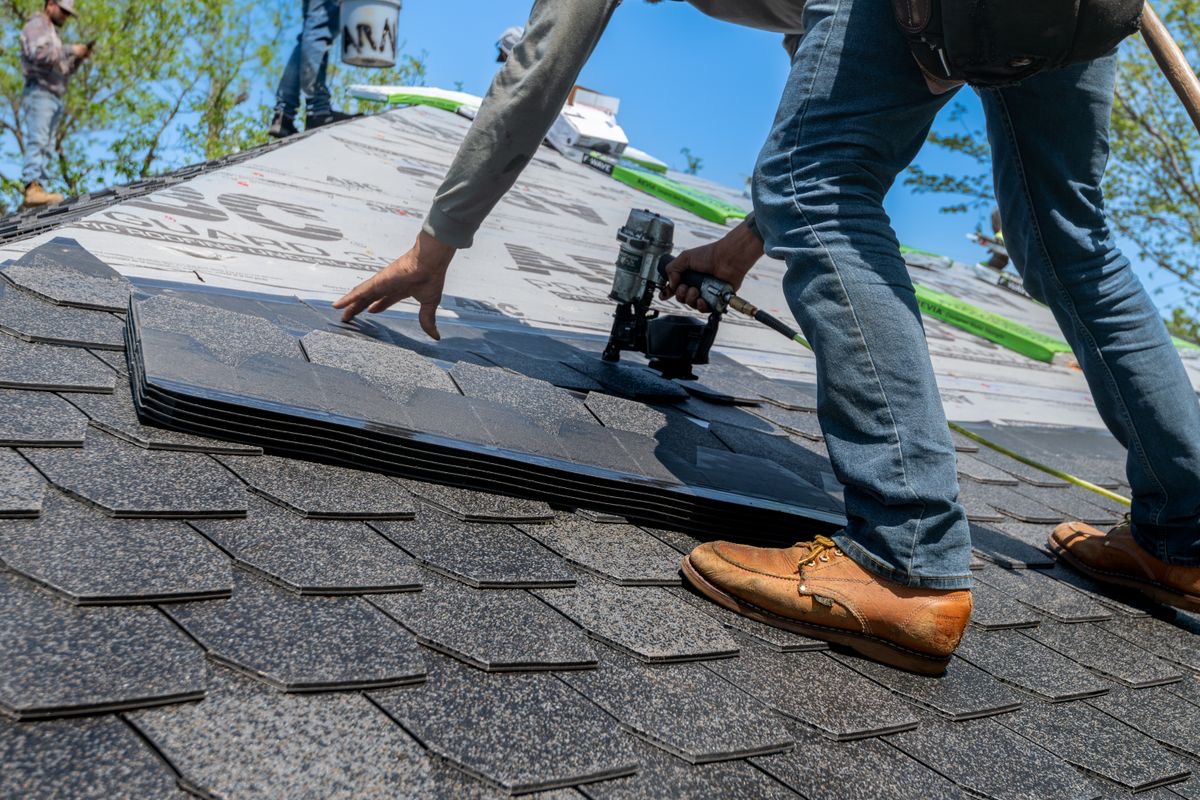
Roofing has two very different buyers: the emergency (leak, storm damage) and the planned replacement. They search differently and they're worth different amounts. We split them into separate campaigns so a $400 repair call doesn't eat the budget meant for full replacements. Storm-chasing keywords need a clear filter too, or you pay for traffic from areas you'll never drive to. More on this on our roofing lead generation page.
Google Ads for HVAC
HVAC lives and dies by weather. The first heat wave turns "AC repair" into the most expensive click in town, and the shoulder season goes quiet. We plan budgets around that curve and push higher value work, like system replacements and maintenance plans, instead of only fighting for the repair call. See how we approach the whole trade on our HVAC marketing page.
Google Ads for painters
Painting has a lot of price shoppers and a lot of DIY searches. "How to paint a room" and "paint colors" are not leads. We go after exterior and whole-house interior work, cabinet refinishing and commercial repaints, and block the DIY noise. If you're weighing ads against other channels, our guide on how to get painting leads compares them with the money logic.
Google Ads for landscaping
Landscaping searches mix one-off projects (patios, pavers, retaining walls, full installs) with weekly mowing. Mowing clicks are cheap and the jobs are small. Hardscape and design-build jobs are where the ad budget pays back, so that's where we point it, with photos of finished work doing the selling on the landing page.
What Google Ads costs a contractor: the math from ad to signed job
Cost per click tells you almost nothing. What matters is how much it costs to get a signed contract, and how much that contract is worth. Here are our averages across residential construction campaigns. Results vary by trade, region, price and sales process.
| Step | Our average cost |
|---|---|
| Lead | $166 |
| Booked estimate | $315 |
| Proposal sent | $494 |
| Signed contract | $1,714 |
Across those campaigns, the average ad spend is about $4,300 a month and the average revenue is about $31,000 a month. That is roughly 7x return per ad dollar.
Now do your own math. If your average job is $15,000 and a signed contract costs you around $1,714 in ads, you're keeping a lot of margin. If your average job is $900, the same cost per contract kills you, and Google Ads needs a different setup (or isn't the right channel yet).
A few real examples from our work, anonymous as always:
- A deck builder put about $8,000 into ads and closed $200,000+ in signed contracts, about 25x.
- An electrical contractor spent about $2,500 in ads and closed about $80,000, about 32x.
- A home services company spent about $1,500 a month on ads and closed about $99,000 in two jobs.
In our experience, when the whole funnel is mapped (ad, lead, estimate, proposal, signed job), these services usually return 6x to 20x on ad spend. That's what usually happens when the tracking is honest, not a promise. Some months are slower, some trades take longer to close.
Where contractor Google Ads accounts waste money
Almost every account we audit has at least three of these:
- Broad keywords with no negatives. Paying for "roofing jobs", "free estimate template" and "how to fix a leaky faucet". Google explains how each match type behaves in its keyword matching options guide, and most contractor accounts never read it.
- Counting the wrong conversion. Page views or button clicks counted as leads, so Google optimizes for curiosity.
- Sending ads to the homepage. A homeowner looking for a roof replacement lands on a page about everything you do and leaves.
- No link to the CRM. Nobody knows which ad brought the $40K kitchen, so the budget stays on the ads that bring cheap leads instead of the ones that bring big jobs.
- Ads running where you don't work. A radius that's too wide, or "people interested in" your area instead of people in it.
- An agency report full of impressions. Impressions, clicks and CTR. Zero revenue.
How we run Google Ads for your contracting company
Luis Gustavo Nascimento, our founder, is a Google Partner. Here's what the work looks like, start to finish.
- Audit and money math. We look at your current account (if you have one), your average ticket, your close rate and your service area. We figure out what a signed job can cost you and still make sense.
- Tracking first. Calls and forms are tracked with Google's conversion measurement, then connected to your CRM so every lead has a stage: estimate booked, proposal sent, signed, lost. If you don't have a CRM, we set one up through our CRM for contractors service.
- Campaign build. Separate campaigns by service and ticket size, tight keywords, a long negative list, ad copy in the language homeowners use, and landing pages built for one job type each.
- Local Services Ads. We handle the setup, verification paperwork and service settings, then manage budget and lead quality alongside Search.
- Feed Google the real results. Signed jobs go back to Google as the conversion that matters, so the algorithm hunts for more buyers, not more form fills.
- Live dashboard. You see spend, leads, booked estimates, proposals and signed revenue in a live dashboard, any time you want, from your phone.
Google Ads can also be one piece of a bigger plan with SEO, social and email. If you want the whole picture, see our contractor marketing agency page.
What to expect in the first 90 days
Month 1: tracking, campaign build, LSA verification, first leads. Expect the numbers to bounce around. Google is still learning and we're still cutting the bad searches.
Month 2: the negative keyword list gets long, the budget moves toward the services and areas that booked estimates, and the first proposals start coming back as signed or lost.
Month 3: enough real data to answer the only question that matters: how much does a signed job cost you through Google, and is it worth scaling? Sometimes the answer is "double the budget". Sometimes it's "this service doesn't pay on Google, move the money".
Remodeling and other long sales cycles can take longer before the signed contracts show up. We'd rather tell you that now than surprise you in month two.
Is Google Ads right for your company?
It usually makes sense if:
- Your average job is big enough to absorb the cost of getting it (run the math above).
- You have the crew to take more work, or a plan to hire.
- Someone on your side calls leads back and runs the estimate.
- You want to stop depending on GCs and referrals that come and go.
It probably doesn't make sense yet if you're booked solid for six months, if your average ticket is very small, or if there's nobody to call leads back. Buying leads nobody calls is the most expensive marketing there is.
If you want to know what a signed job would cost you on Google in your trade and area, ask for a free audit below. We'll look at your numbers and tell you straight if it's worth it.
Frequently asked questions
How much should a contractor spend on Google Ads?
Work backward from the job. Decide how many signed jobs you want per month, estimate what each one costs to get, and set the budget from there. Across our residential construction campaigns the average ad spend is about $4,300 a month, but the right number depends on your trade, area and ticket size.
What's the difference between Google Ads and Google Local Services Ads?
Search Ads charge per click and give you full control of keywords, copy and landing pages. Local Services Ads charge per lead, show your reviews and the Google Verified badge at the top of the page, and require Google's business screening first. We usually run both because they reach different homeowners.
How long does it take to get jobs from Google Ads?
Leads can start in the first weeks, but a clear read on cost per signed job usually takes around three months. Trades with long sales cycles, like remodeling, can take longer before contracts close.
Do Google Ads work for roofers, HVAC, painters and landscapers?
Yes, but each trade needs its own setup. Roofing splits emergency and replacement, HVAC follows the weather, painting needs heavy filtering of DIY searches, and landscaping should push hardscape over mowing. A copied campaign usually wastes money.
Can I run Google Ads myself?
You can, and some contractors do fine. The common problems are broad keywords with no negatives, tracking the wrong conversions and never connecting ads to signed jobs. If you have more time than money, try it; if not, hire someone who reports revenue, not clicks.
How do I know which ads bring signed jobs?
Every call and form is tracked and tied to a lead in your CRM, and that lead moves through estimate, proposal and signed. You see it all in a live dashboard, so you know which campaign brought which job.